Four boxes.
One clear next step.
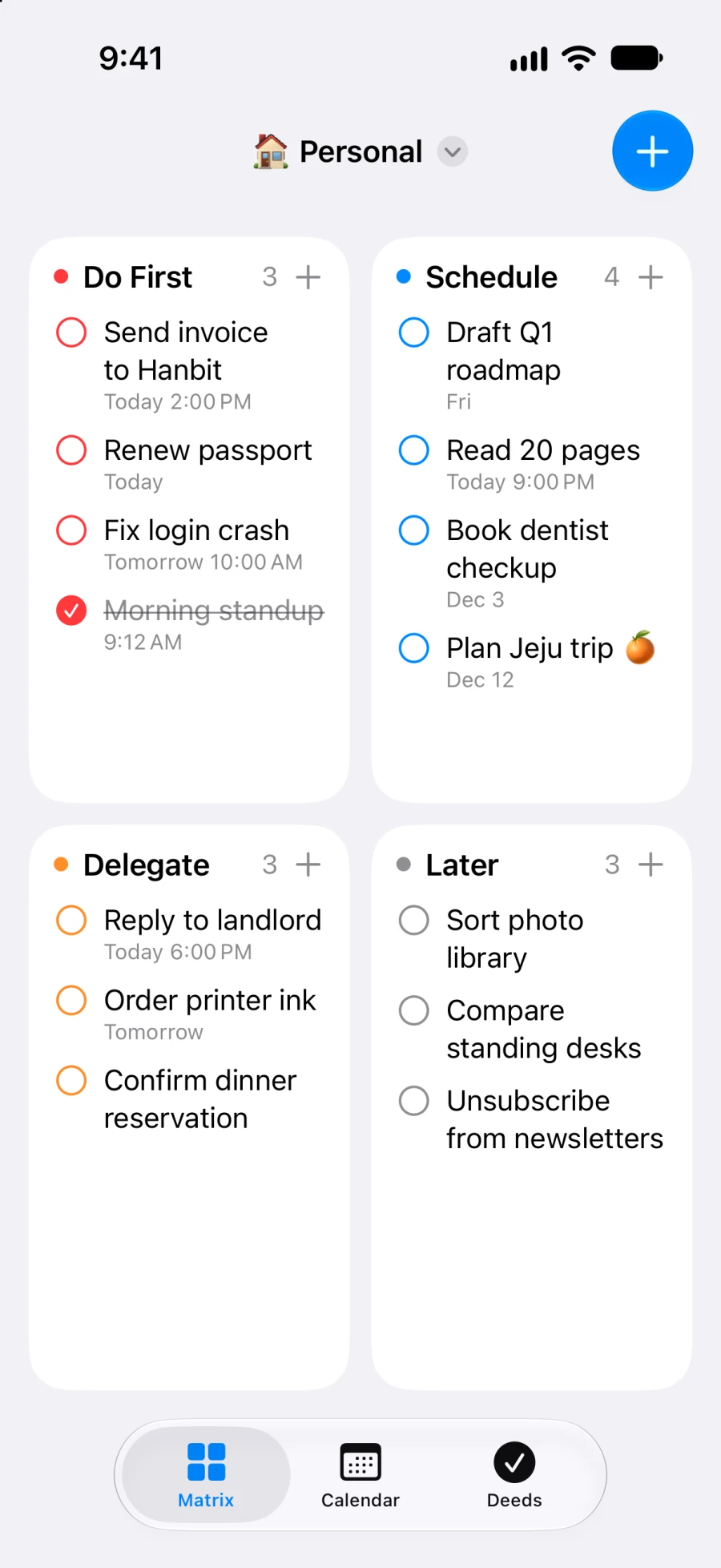
Do First, Schedule, Delegate, Later. Put a task where it belongs and what to do next stops being a question.
A to-do becomes a deed.
Four boxes show what matters now. A calendar shows when. And everything you finish is kept, as a deed.
For Mac, iPad and iPhone.
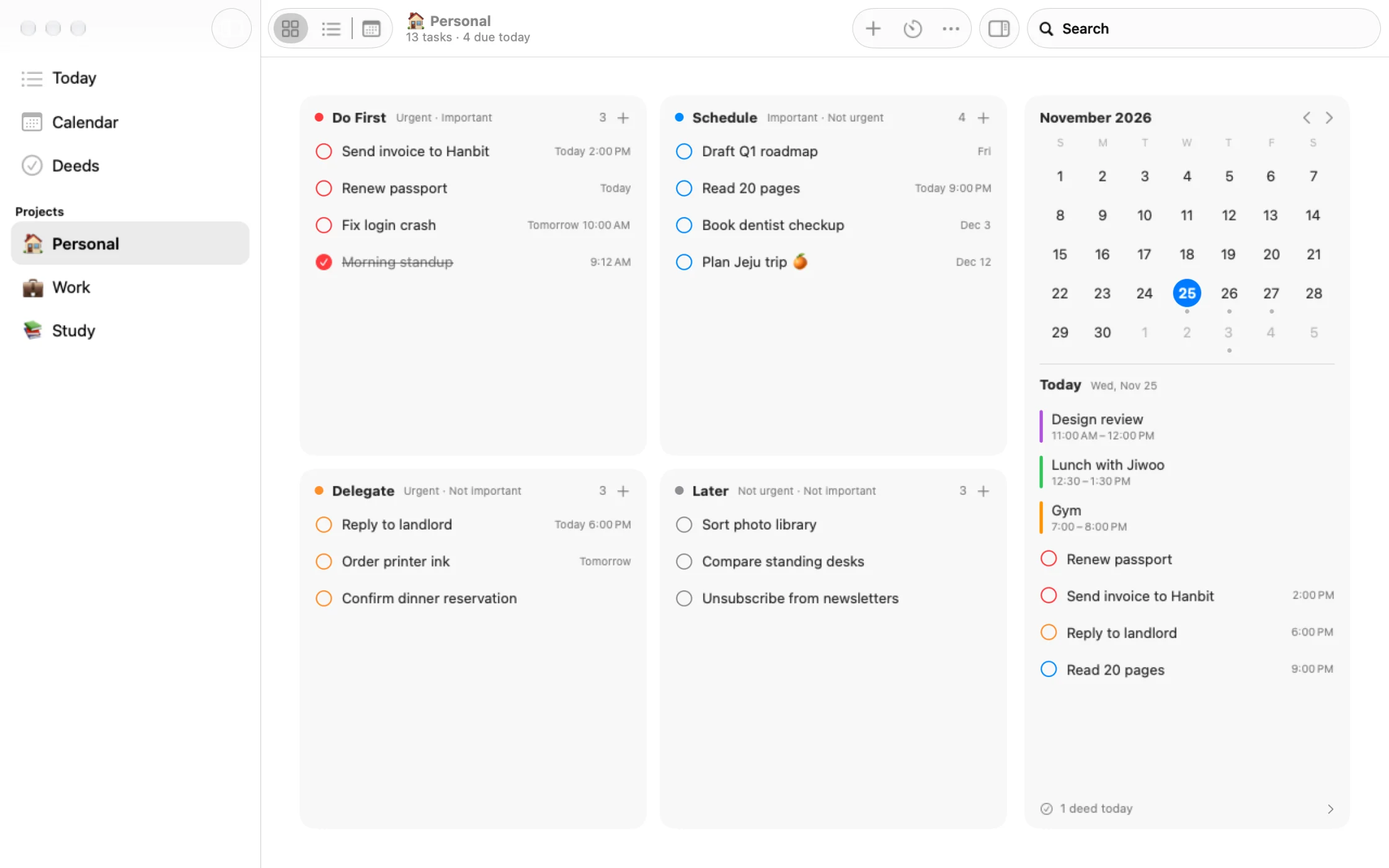
Do First, Schedule, Delegate, Later. Put a task where it belongs and what to do next stops being a question.
Calendar
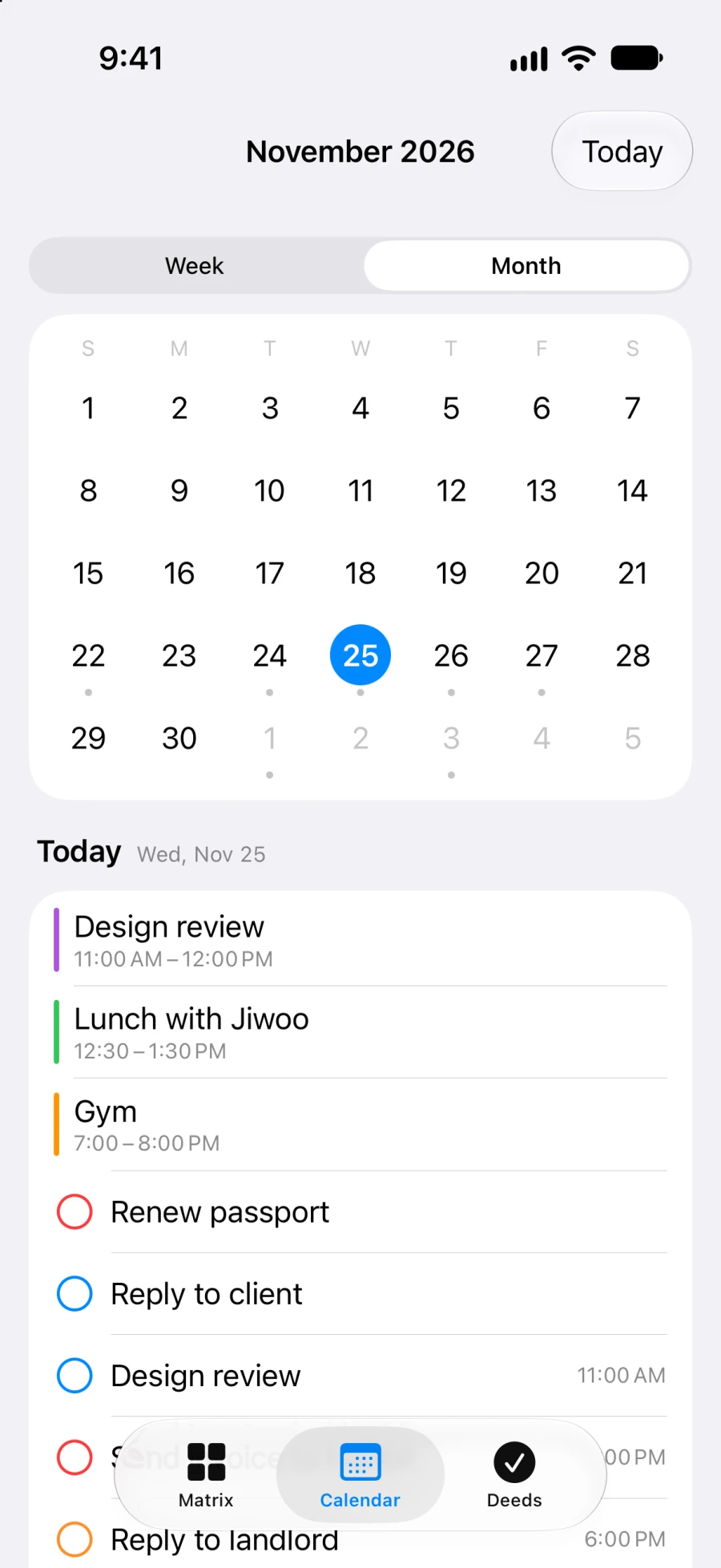
See what is due each day, with your calendar’s events right beside your tasks. On a Mac, drag a task to another day to move it.
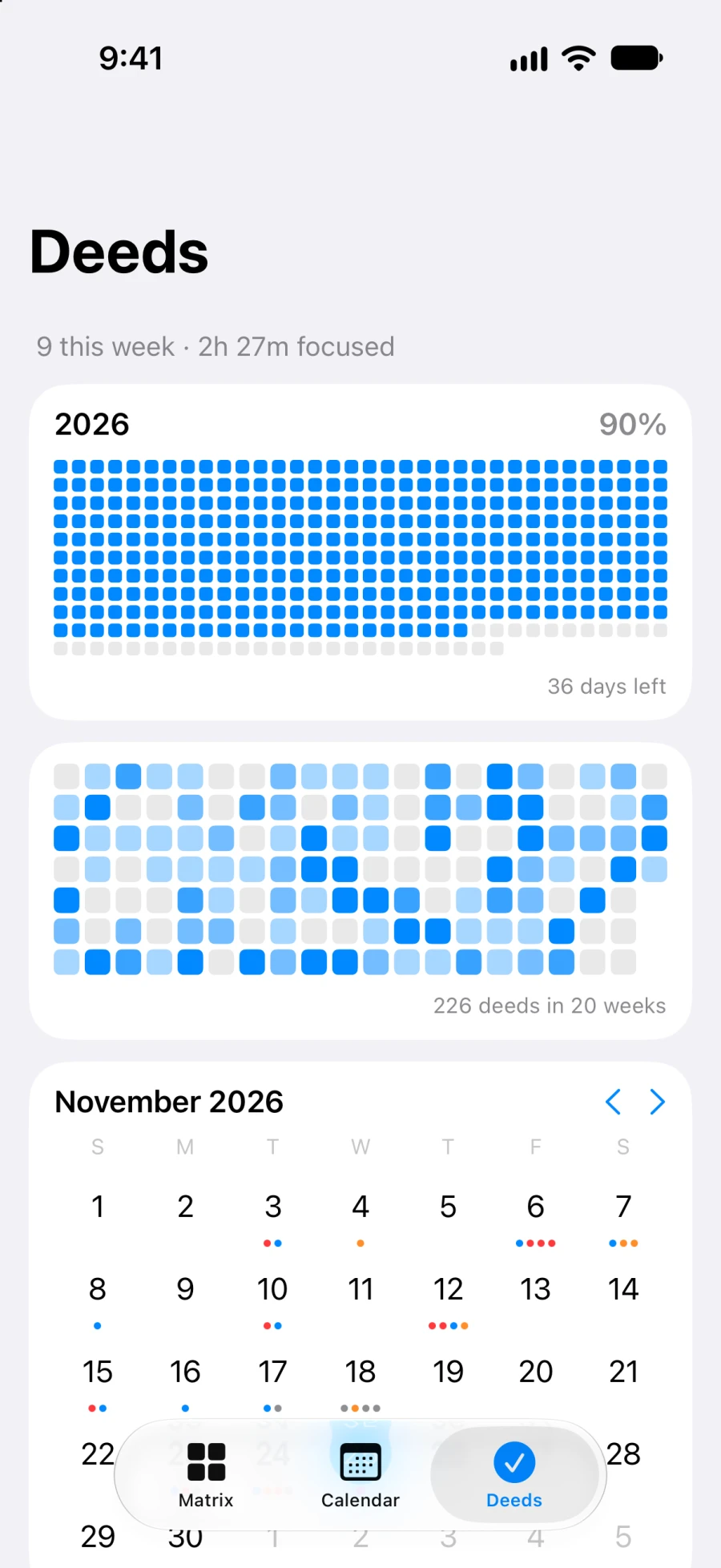
Deeds
Every task you finish becomes a deed. Watch the year fill in, a square at a time.
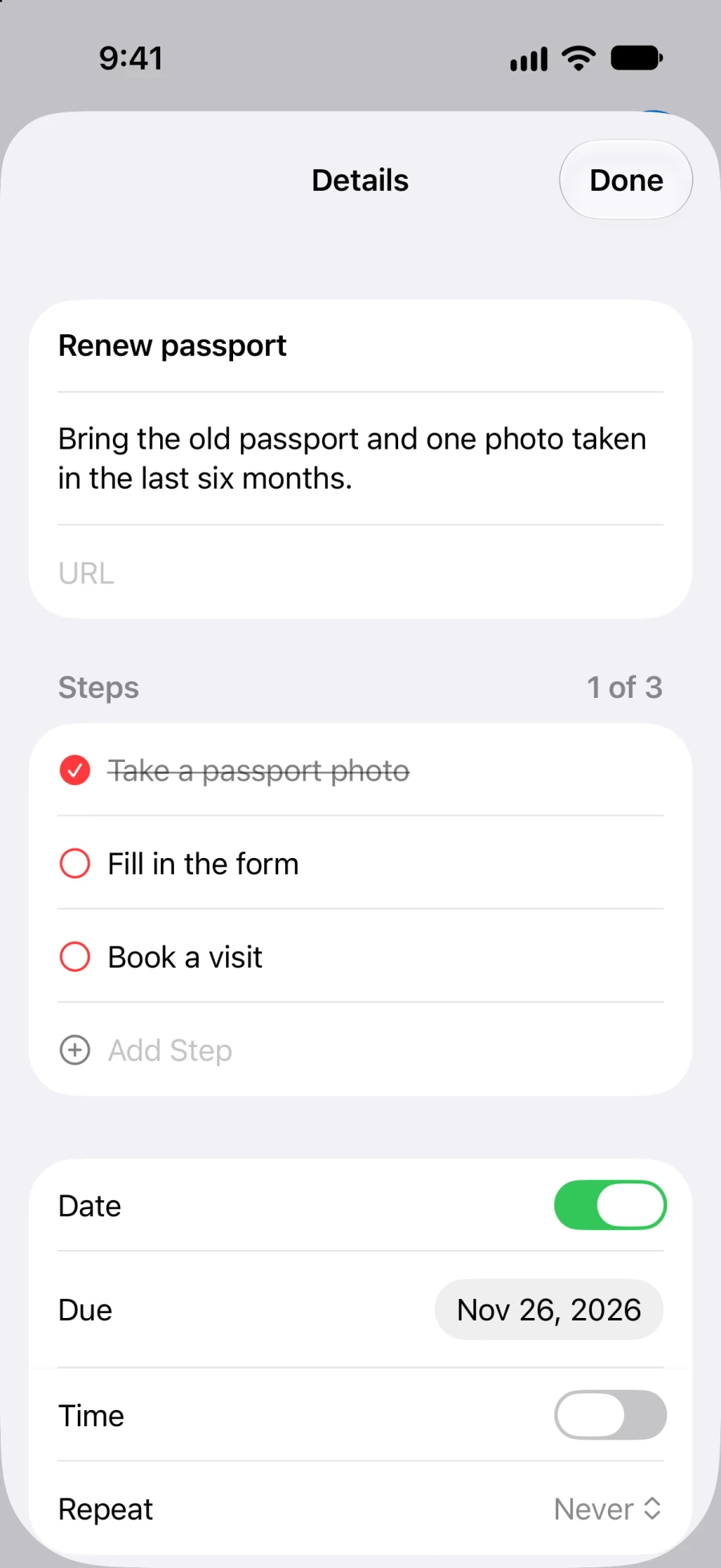
Details
Notes, steps, a repeat and a place. Three lines of your notes show right in the list, so you rarely have to open it.
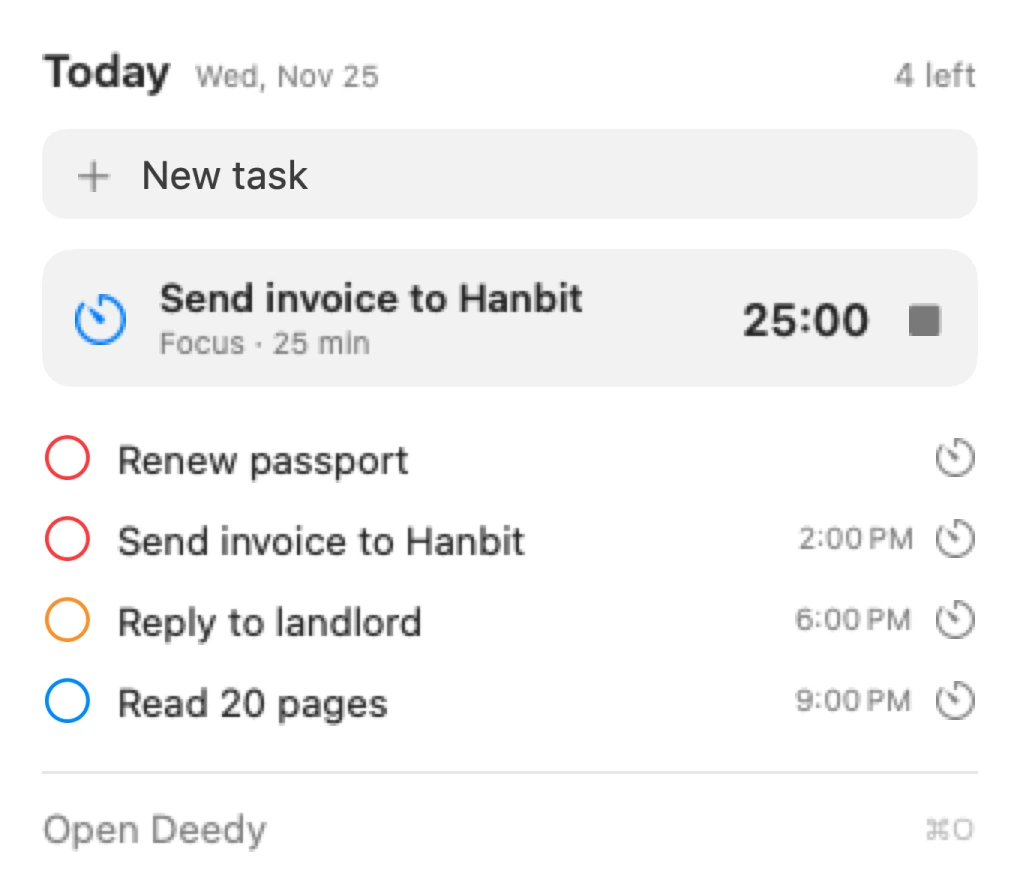
Mac
Today’s tasks live in the menu bar. Press ⌥ Space in any app to add one without leaving what you are doing.

Reminders & Calendar
Turn on sync and your Reminders lists become projects. What you add in Deedy shows up in Reminders, on all your devices. Nothing is asked for until you turn it on.
Easy & Custom
Deedy starts with only the basics. Turn on Custom mode to rename the boxes, build repeats of your own, and see three days or two weeks at once.
Open it and start. There is nothing to sign up for.
Deedy has no analytics and no advertising in it.
Your tasks stay on your device and in your own Reminders. How Deedy handles data ›
Questions or ideas? Write to us ›